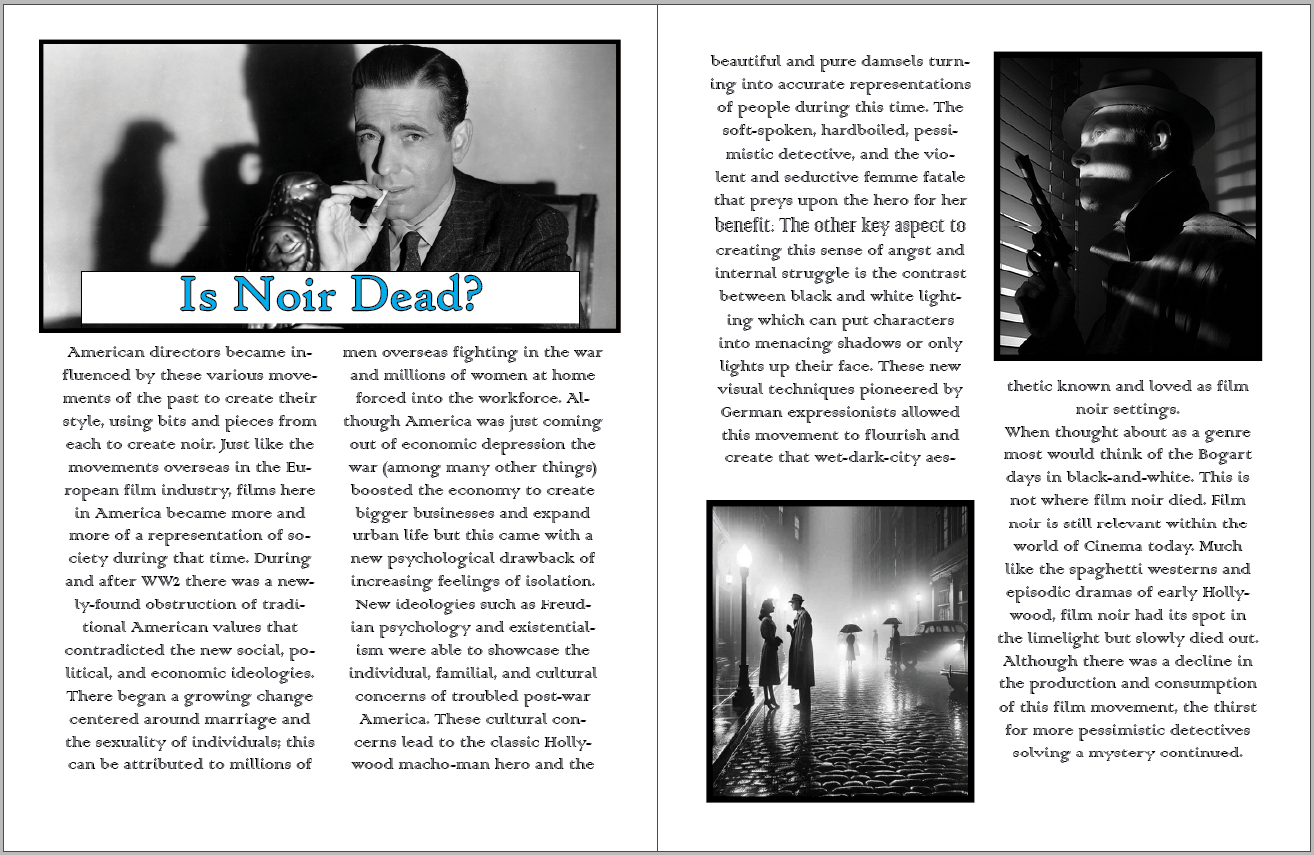
This project was my first experience with using Adobe InDesign, and it did not go as poorly as I would’ve thought it would. Adobe programs are infamous for having a steep learning curve, but the more programs you use from their services the more comfortable you get with using all of them; this has been my experience. I found InDesign as extremely straight forward (other than exporting), with similar tools to photoshop that allowed me to succeed while using the program. InDesign was both simple and intuitive to setting up things such as a magazine layout, and I could see myself using it in the future for other projects, both personal and professional.
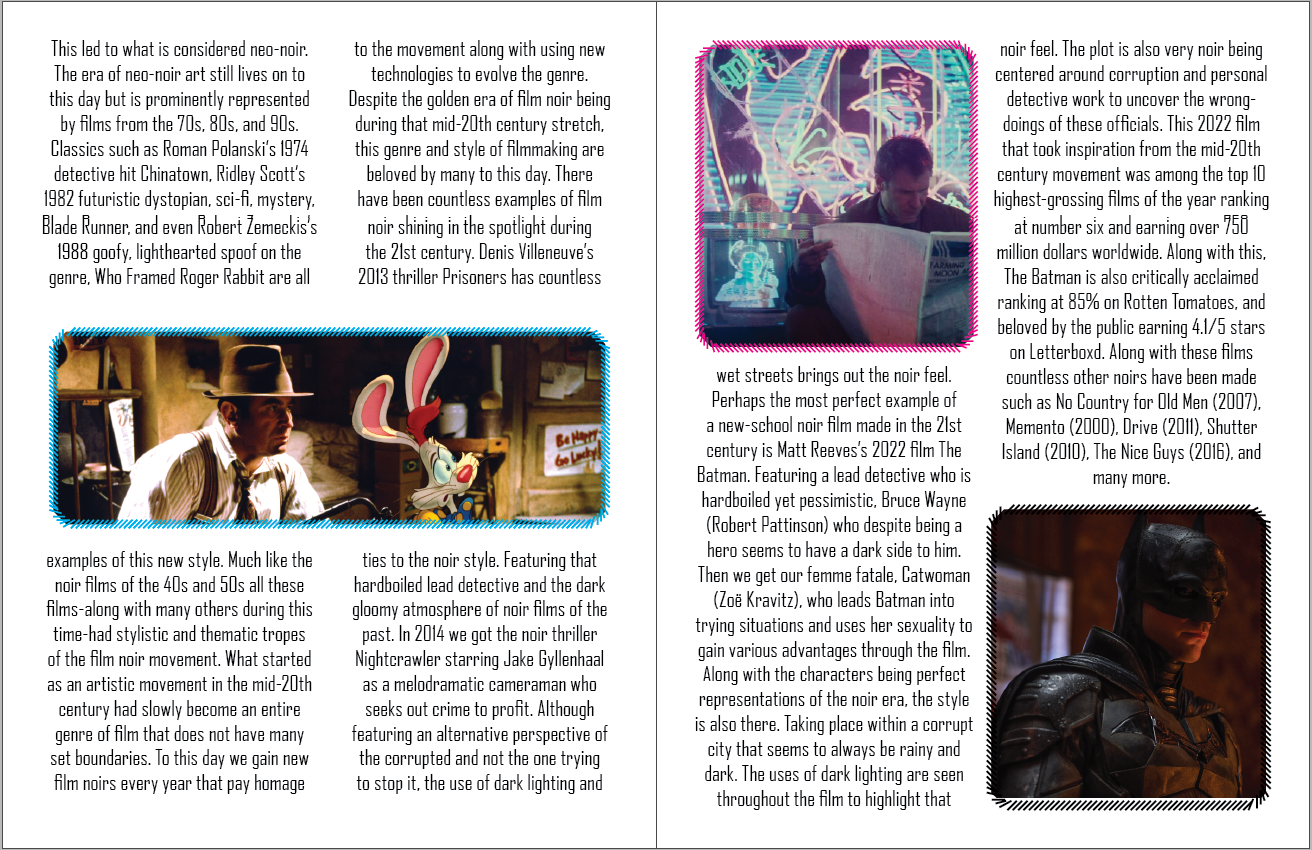
This layout is what I decided as my final design choice. With all three designs I tried to emulate magizines I have personally read or ones I saw while researching online before starting this project. I decided ultimatly on the one show right above this paragraph opposed to the first one shared and the one you will see below this section. I thought that this design was able to effectily use space on the page the best out of all three. I also enjoy the color scheme that I decided to use on this section paired with the font choose. I beleive that this verison is both appealing and accessible for most audiences. Being able to explore and play with borders on the images led me to finding what I used on my second draft of the magazine layout. Overall I just believe this one is my most cohesive layout out of all three of them, in terms of design, colors, typogrophy, and overall layout.
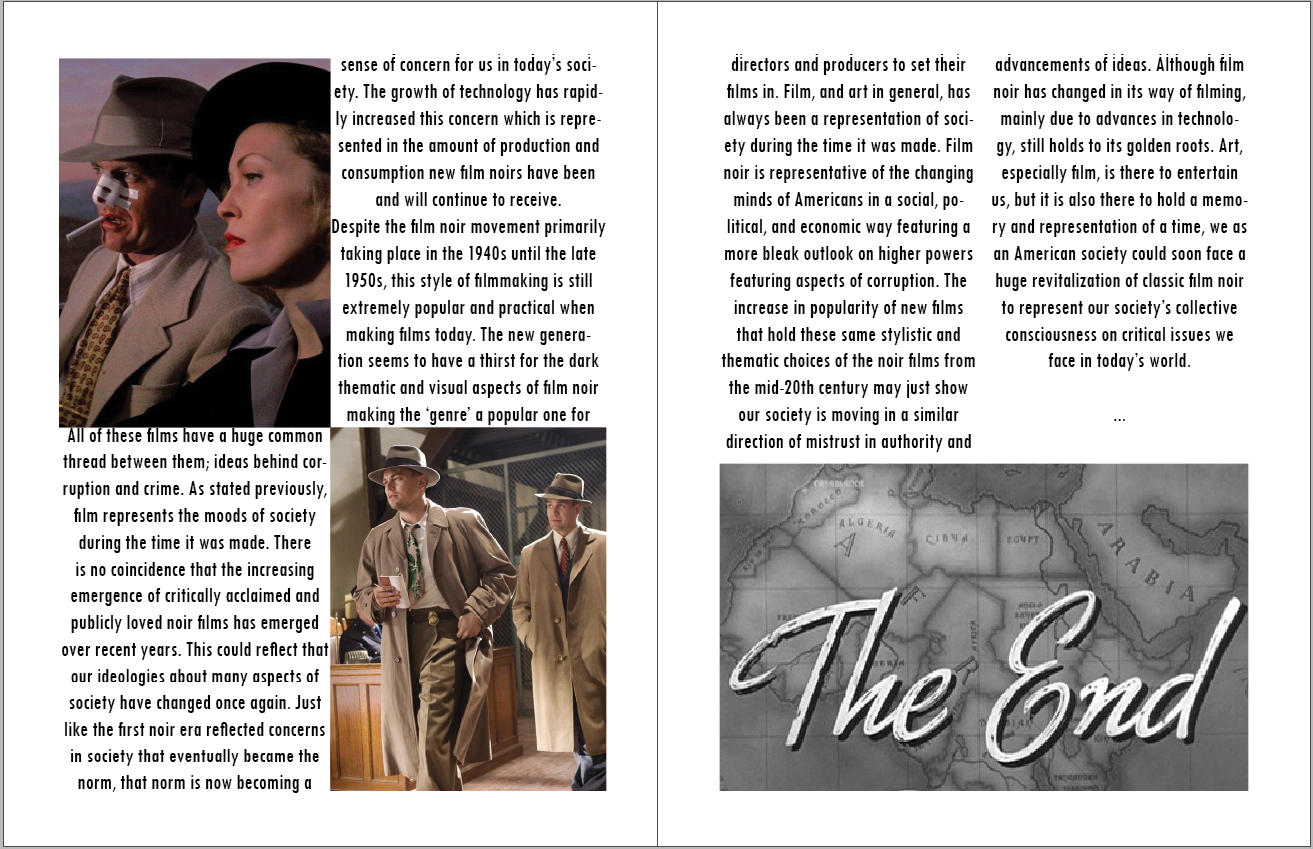
Like I said previosuly, I found InDesign to be very intuitave and has all the tools you need to create something similar to a magazine layout. I could see myself using this program to complete school projects or even to make a more effecient presenation if needed. I also love writing stories, so I could see myself using this program to form my stories in a better way while incorporating images.
Leave a Reply